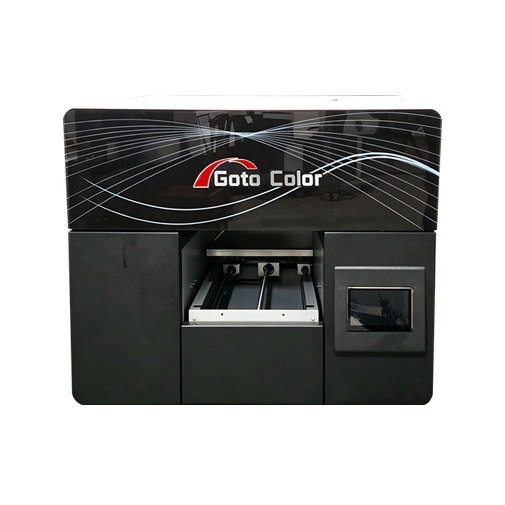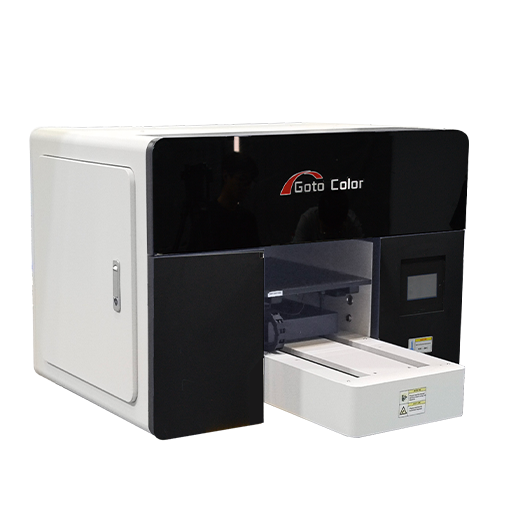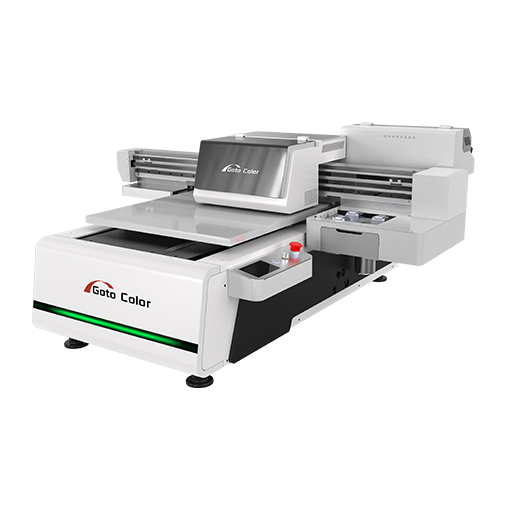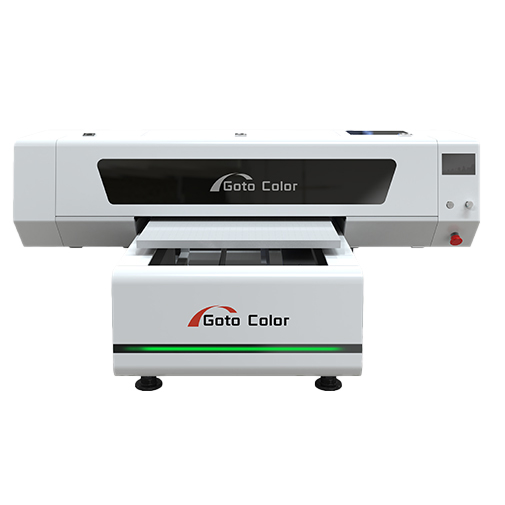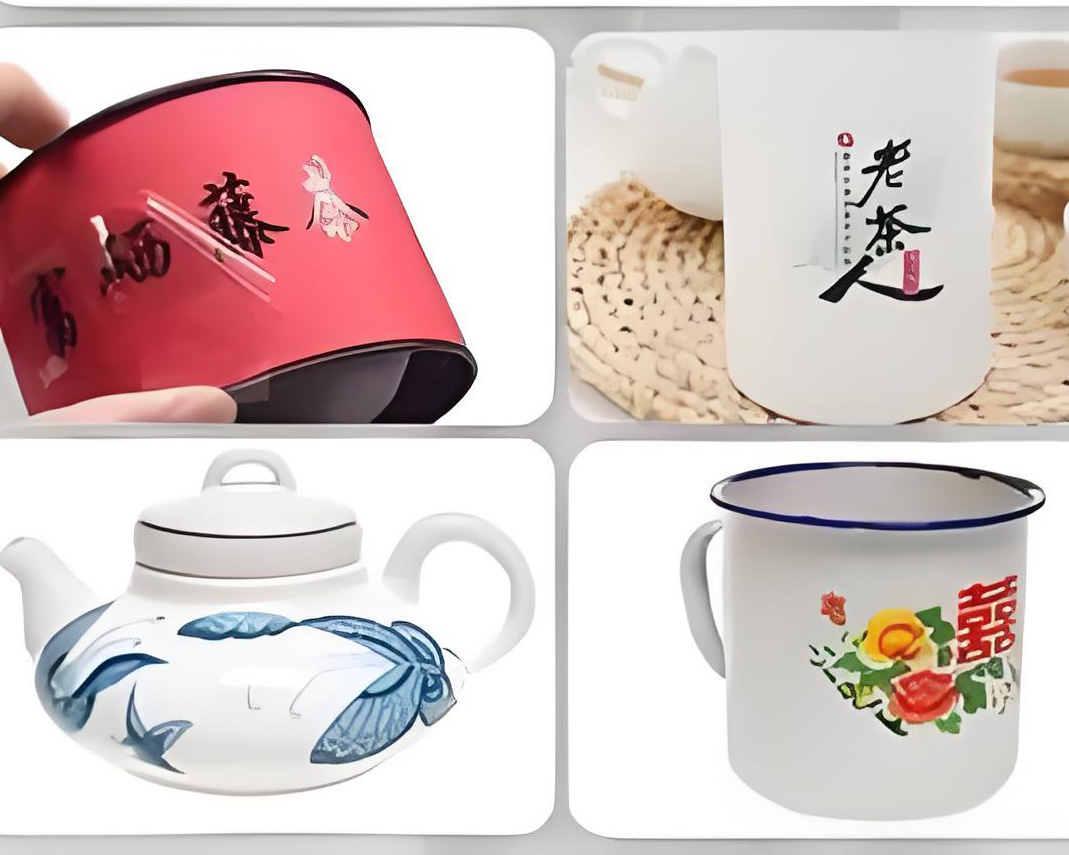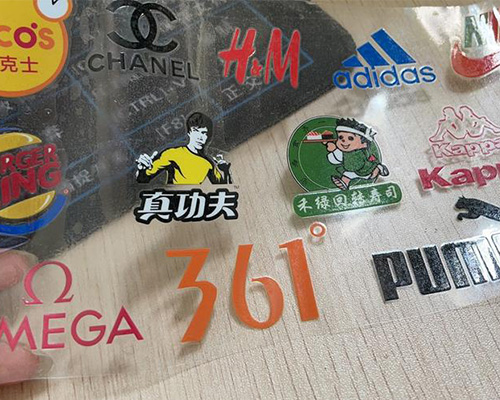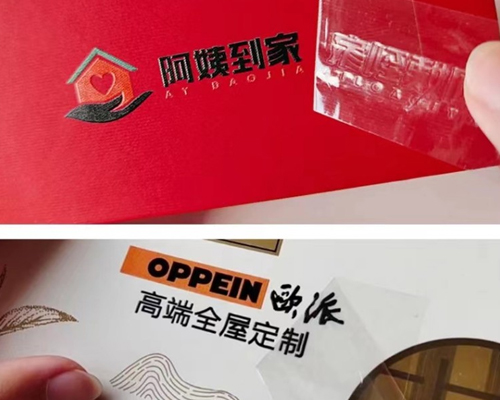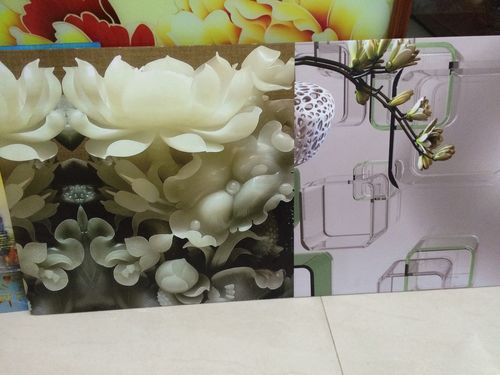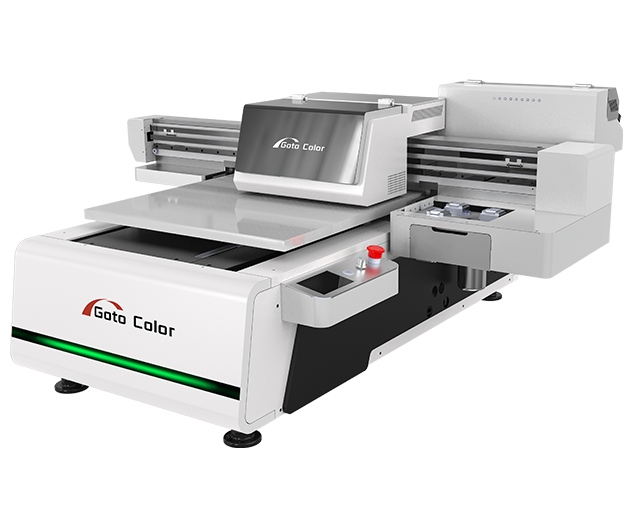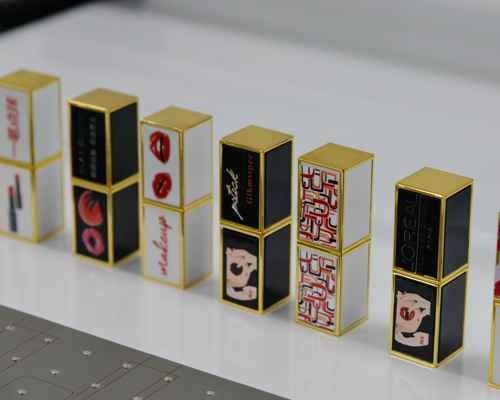
A 6090 UV flatbed printer can be a practical investment for businesses that print on acrylic, glass, metal, wood, plastic, phone cases, and other flat products. Its 60 × 90 cm printing area offers a balance between production capacity, equipment footprint, and investment cost.
However, not every printing business needs a 6090 UV printer. If you mainly print small personalized products, an A3 UV printer may be sufficient. If you handle larger signage or high-volume production, a larger-format or faster machine may offer better value.
So, is a 6090 UV flatbed printer worth buying? The answer depends on your target products, order volume, expected profit per item, and the machine configuration you choose.
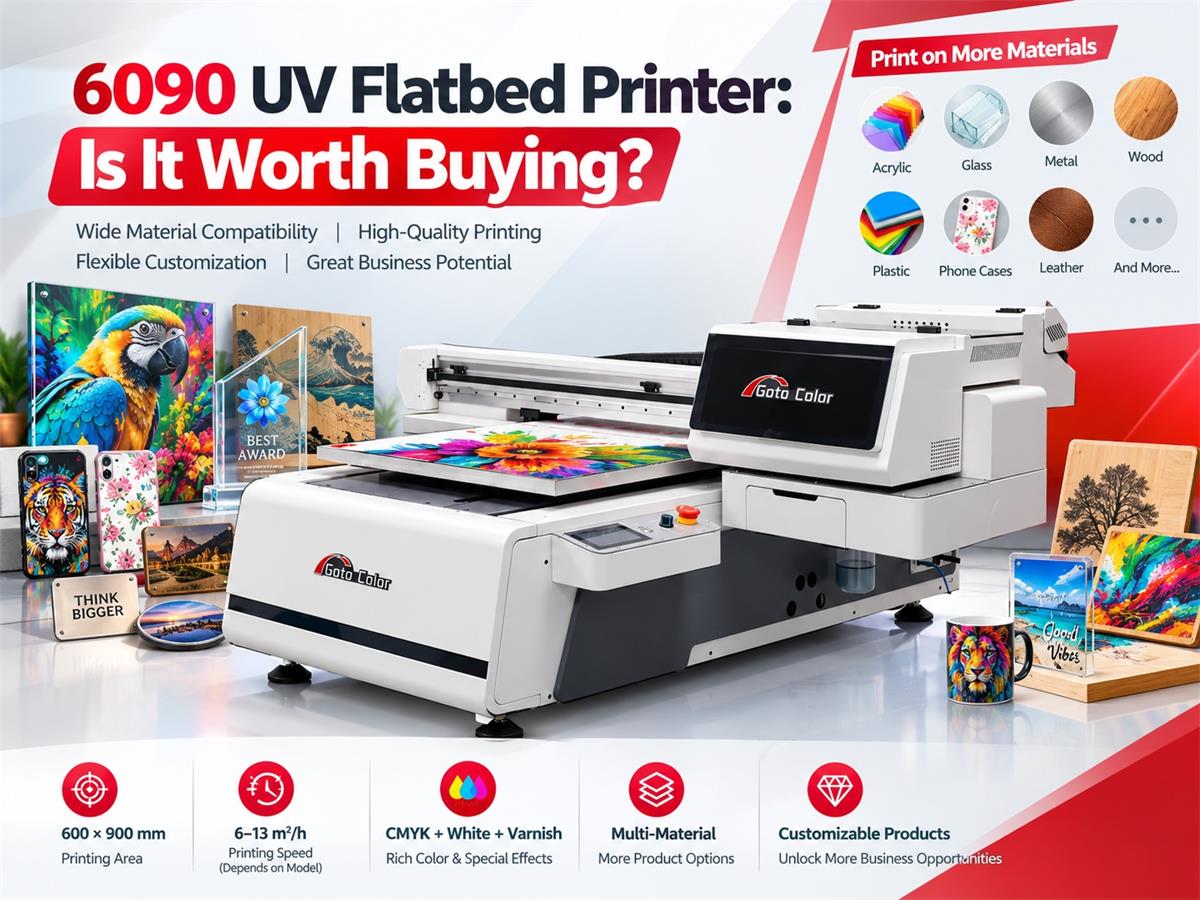
A 6090 UV flatbed printer is a digital inkjet printer with a nominal printing area of 600 × 900 mm. It deposits UV-curable ink directly onto a material’s surface and uses ultraviolet LED lamps to cure the ink during printing.
Unlike traditional screen printing, it does not require a separate screen for each design. Operators can change artwork through the RIP software, making the machine suitable for customized orders, short production runs, product branding, and decorative printing.
A typical 6090 UV printer supports CMYK color printing, white ink, and varnish. White ink helps create visible images on dark or transparent substrates, while varnish can provide gloss, texture, or raised effects when supported by the machine and software.
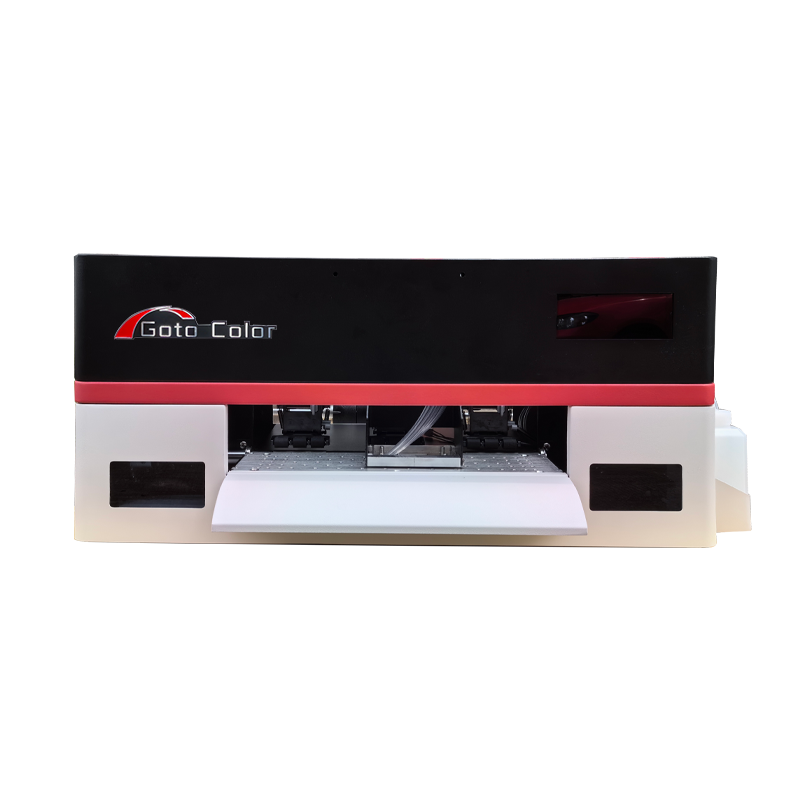
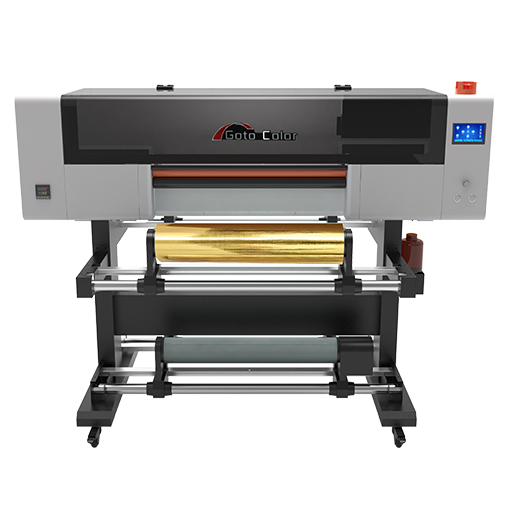
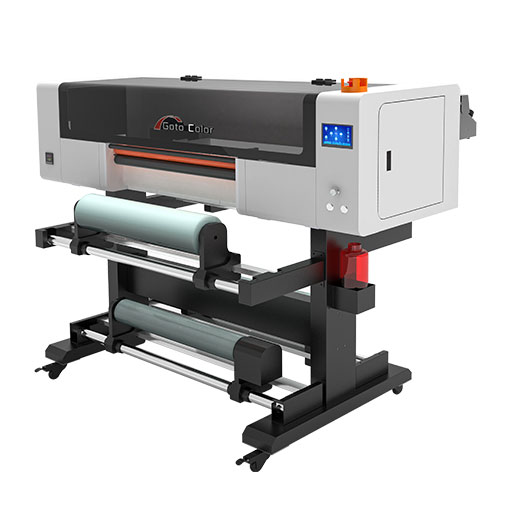
The GotoColor GT 6090 UV flatbed printer is one option for businesses considering this format. Its published configuration includes three printheads, CMYK plus light cyan and light magenta, white ink, varnish, and three UV LED lamps.
The main advantage of a 6090 UV flatbed printer is its ability to handle a wide range of rigid and selected flexible materials. This versatility allows businesses to serve multiple markets rather than depend on one product category.
Acrylic is widely used for signs, nameplates, promotional displays, decorative panels, and branded products. Direct UV printing can reproduce colorful graphics, logos, text, and white underlayers on suitable acrylic surfaces.
UV printing can be used for decorative glass panels, glass awards, promotional gifts, and customized glass products. Surface preparation and ink adhesion testing are important because glass is generally nonporous.
Aluminum plates, coated metal panels, control labels, and certain metal promotional products can be printed directly. The appropriate pretreatment or primer may be necessary depending on the metal and ink system.
Wooden signs, gift boxes, plaques, and decorative boards are potential applications. Different wood finishes and surface textures can affect color reproduction and adhesion.
A 6090 printer can process multiple small products within one layout, depending on their dimensions and fixture arrangement. This makes it attractive to customization shops producing phone cases, keychains, souvenirs, and branded gifts.
Businesses can use UV printing for short-run packaging prototypes, product labels, equipment panels, and selected industrial parts. These applications can command higher value when customers need customized designs or frequent artwork changes.
Before accepting orders, test each material for adhesion, scratch resistance, curing, and surface compatibility. Not every substrate can be printed successfully without preparation.
The comparison depends on the type of products you manufacture and the number of items you print per batch.
| Factor | A3 UV Printer | 6090 UV Flatbed Printer |
|---|---|---|
| Printing area | Approximately 30 × 42 cm | 60 × 90 cm |
| Initial investment | Generally lower | Generally higher |
| Product size | Small items and samples | Small and medium-sized products |
| Batch production | Limited by the smaller bed | More room for multiple items |
| Workspace | More compact | Requires more floor space |
| Typical users | Startups and small customization shops | Growing print businesses and small manufacturers |
| Production flexibility | Best for smaller products | Better for mixed-size layouts and larger panels |
A 6090 UV printer offers more than four times the nominal bed area of an A3 printer when comparing 600 × 900 mm with 297 × 420 mm. However, the usable printing area, margins, fixtures, and machine design should be checked before making a purchase.
If your orders mainly involve phone cases, small gifts, and occasional samples, an A3 model may provide a better return on investment.
If you regularly print acrylic panels, multiple promotional products in one batch, or medium-sized decorative items, the larger 6090 format may help increase throughput and reduce the need to divide jobs into multiple layouts.
The printhead configuration and actual production speed can have a major effect on your investment decision.
GotoColor lists two models worth comparing:
| Specification | GT-6090UV | GT-6090PRO |
|---|---|---|
| Nominal print area | 600 × 900 mm | 600 × 900 mm |
| Published print speed | 6–8 m²/h | 10–13 m²/h |
| Printhead configuration | 3 × Epson I1600-U1/I3200-U1 options | Epson I3200-U1 configuration |
| Ink configuration | CMYK + light cyan/light magenta + white + varnish | CMYK + white + varnish |
| Best evaluation focus | General-purpose printing | Higher-speed production requirements |
These are published figures, not guaranteed speeds for every job. Print resolution, pass count, white-ink layers, varnish coverage, and artwork complexity affect real production output. Confirm the exact configuration and tested speed with the supplier.
Consider the standard model if you need a versatile machine for mixed orders, customized products, and small-to-medium production runs. It may be sufficient when your daily workload does not require the highest possible throughput.
Consider the PRO model if you have consistent orders and need greater production capacity. The additional speed is most valuable when you can keep the machine busy and your customers require regular output.
You can review the 6090 UV flatbed printer product information and browse the GotoColor printer range before comparing specifications and requesting a quotation.
The profitability of a UV printer depends more on your product mix and sales channel than on the machine alone.
Selling printed products directly to consumers, supplying promotional products to businesses, and printing components for manufacturers can produce very different margins.
Consider a simple example.
Suppose you sell a customized product for $15. Your variable costs, including the blank item, ink, pretreatment, packaging, and other production expenses, total $6.
Your contribution before fixed costs is:
$15 − $6 = $9 per item
If your monthly fixed costs attributable to the business are $1,800, your break-even volume is:
$1,800 ÷ $9 = 200 items per month
This example does not include the full purchase cost of the printer unless it has been incorporated into the monthly fixed costs. It also excludes taxes, financing costs, and any additional labor not already accounted for.
The calculation illustrates an important point: a printer can produce attractive margins per item while still being unprofitable if order volume is too low.
Before buying a machine, estimate the following:
Use conservative sales estimates rather than assuming that the machine will operate at full capacity immediately after installation.
The operating cost includes more than UV ink. A realistic calculation should include the following components.
UV ink consumption: Ink use depends on image coverage, white-ink layers, varnish coverage, print mode, and the material being printed. Large solid-color areas and multi-layer effects can increase consumption.
Printhead maintenance: UV printers require routine cleaning and maintenance to prevent nozzle blockage and maintain print quality. Long periods of inactivity can increase maintenance requirements.
Electricity: The printer, UV LED lamps, computer, and any auxiliary equipment consume electricity. Actual consumption depends on the machine and operating schedule.
Pretreatment and fixtures: Some materials need primer, surface cleaning, jigs, or dedicated fixtures to ensure consistent adhesion and positioning.
Labor and rejected prints: Setup time, material loading, cleaning, quality inspection, and failed prints all contribute to the cost per acceptable item.
When comparing suppliers, ask for estimated ink consumption using your actual artwork and target print mode. A low purchase price does not necessarily mean a low total cost of ownership.
A UV printer can be relatively straightforward to operate once the workflow has been established, but consistent production still requires training and process control.
Operators generally need to prepare the artwork, configure the RIP software, select the appropriate color and white-ink layers, position the material, set the print height, and verify curing and adhesion.
Printing on different materials also requires different settings. A successful acrylic job does not automatically guarantee good results on glass, metal, or coated plastic.
Before purchasing, ask the supplier whether the machine includes remote installation guidance, RIP software training, operating instructions, and troubleshooting support.
It is also worth confirming how the machine handles automatic height detection, white-ink circulation, cleaning, and recovery after an interruption. These features can influence day-to-day convenience and production reliability.
A careful evaluation can prevent expensive mistakes.
Confirm the exact printhead model, quantity, ink-channel arrangement, and availability of replacement parts. Do not compare machines solely by the number of printheads.
The maximum material thickness determines which products can fit beneath the printhead. Check the usable clearance and whether height adjustment is automatic or manual.
If you print on transparent acrylic, dark materials, or premium promotional products, verify how white ink and varnish are configured. Ask for sample prints demonstrating the effects you need.
Test small text, fine lines, gradients, solid colors, and multi-layer printing. Inspect the output under normal viewing conditions and test adhesion on your actual substrate.
Confirm the supported RIP software, file formats, operating system requirements, color-management workflow, and availability of training.
Ask about warranty coverage, printhead replacement costs, technical support, shipping time for parts, and the availability of consumables in your market.
Request a timed demonstration using artwork similar to your typical jobs. A simple color image may print much faster than a job requiring white ink, varnish, and several passes.
A 6090 UV printer is worth considering for businesses that already have potential customers or a clear plan for developing a market.
It may be a good fit for:
It may be less suitable if you have no established sales channel, only need to print very small items occasionally, or require a production format significantly larger than 60 × 90 cm.
A larger machine is not automatically a better investment. The right equipment should match your customers’ requirements and the volume of work you can realistically secure.
Yes, a 6090 UV flatbed printer can be worth buying if you need a versatile 60 × 90 cm printing area, work with multiple materials, and have sufficient demand for customized or small-batch printing.
Its strongest advantages are direct printing on compatible substrates, flexible digital artwork changes, white-ink printing, optional varnish effects, and the ability to handle multiple product categories.
However, profitability depends on more than print quality. Before investing, compare the GT-6090UV with the faster GT-6090PRO, calculate your expected cost per finished item, and test your actual materials.
For businesses evaluating this format, start with the GotoColor 6090 UV flatbed printer and compare its specifications with your production requirements before requesting a quotation.
The numbers generally refer to a nominal printing area of 600 × 900 mm, or 60 × 90 cm. Always verify the usable print area with the specific model.
It can print on many glass and metal products, but adhesion depends on the surface, ink system, and any required pretreatment. Test the actual substrate before production.
It can suit new businesses that have a clear product strategy and access to customers. Beginners should budget for training, maintenance, materials, and initial testing in addition to the machine price.
Published speeds vary by model. For example, the GT-6090UV is listed at 6–8 m²/h, while the GT-6090PRO is listed at 10–13 m²/h. Actual production speed depends on print mode, artwork, ink layers, and other operating conditions.
Durability depends on the substrate, ink formulation, surface preparation, curing, and exposure to sunlight, moisture, abrasion, and chemicals. Request application-specific durability tests rather than relying on a universal lifespan.
They serve different purposes. A flatbed UV printer prints directly onto compatible products and surfaces. A UV DTF printer produces decorated film that can be transferred to suitable objects. Choose based on the materials, product shapes, and transfer workflow required.
The most important factor is whether the machine can consistently produce the quality, output, and operating cost your customers require. Test your materials, verify production speed, and calculate the return on investment before purchasing.