NEWS

How to Print on MDF with a UV 6090 Flatbed Printer

DATE : Jul 6th, 2026

MDF (Medium-Density Fiberboard) is one of the most popular materials for custom signs, home décor, crafts, furniture components, and promotional products. Thanks to its smooth surface and excellent printability, MDF is an ideal substrate for UV flatbed printing. A UV 6090 flatbed printer allows businesses to produce vibrant, durable, and high-resolution prints directly onto MDF without the need for plates or transfer paper.

In this article, we’ll explain how to print on MDF using a UV 6090 printer and share tips for achieving professional-quality results.

Why Choose a UV 6090 Printer for MDF?

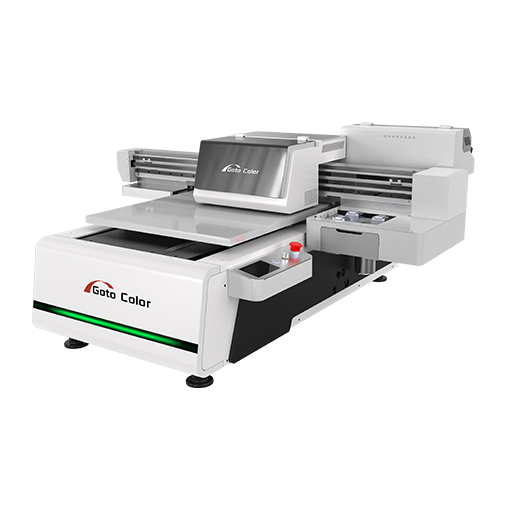
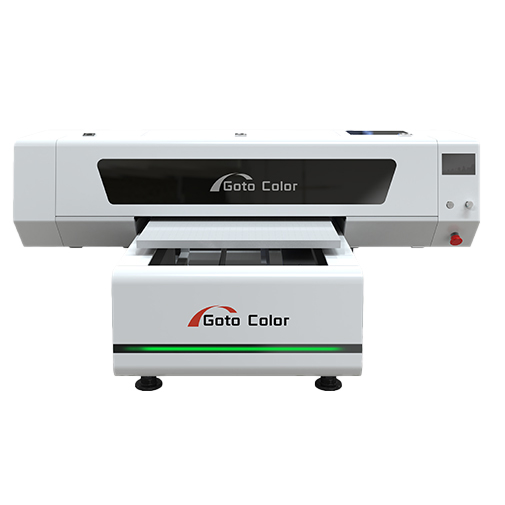
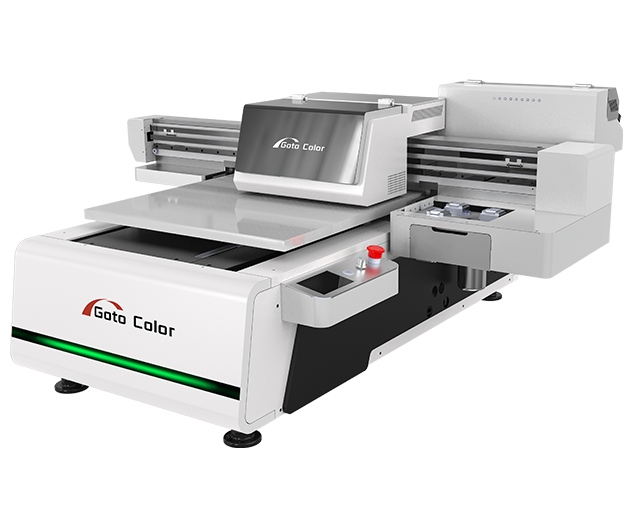
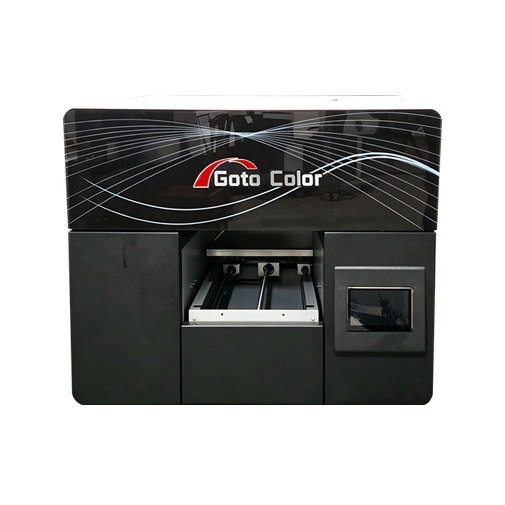
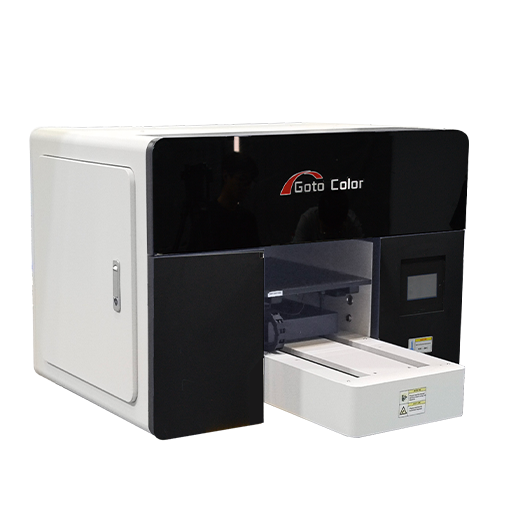
A UV 6090 flatbed printer features a 600 × 900 mm (24 × 36 inch) printing area, making it suitable for small and medium-sized MDF panels. It uses UV-curable inks that are instantly hardened by LED lamps, allowing direct printing onto rigid materials.

Key benefits include:

  • High-resolution full-color printing
  • Direct printing without labels or transfer films
  • Fast UV curing for immediate handling
  • Excellent adhesion on wood-based materials
  • Supports CMYK, white ink, and varnish printing
  • Suitable for customized and short-run production

Whether you’re producing decorative wall art or personalized gifts, the UV 6090 provides flexibility and consistent print quality.

Step 1: Select High-Quality MDF Boards

The quality of the MDF board directly affects the final printing result.

When choosing MDF, consider:

  • Smooth and flat surface
  • Uniform board density
  • Low moisture content
  • Minimal surface defects
  • Appropriate thickness for the printer’s maximum print height

A smooth surface allows the UV ink to spread evenly, producing sharper images and richer colors.

Step 2: Clean the MDF Surface

Before printing, remove dust, oil, and debris from the board.

Cleaning methods include:

  • Wiping with a lint-free cloth
  • Using compressed air
  • Cleaning with alcohol if grease is present

A clean surface improves ink adhesion and prevents printing defects.

Step 3: Apply Primer if Necessary

Many MDF boards can be printed directly. However, depending on the board’s finish, applying a primer may improve adhesion.

Primer is recommended when:

  • The MDF has a glossy coating
  • Long-term outdoor durability is required
  • Heavy varnish effects will be applied

Always test a small sample before starting mass production.

Step 4: Position the MDF on the UV 6090 Printer

Place the MDF securely on the printer bed.

Important setup tips:

  • Ensure the board is completely flat
  • Set the correct print head height
  • Use positioning fixtures for repeated production
  • Confirm the material does not exceed the printer’s height limit

Proper positioning helps maintain print accuracy throughout the job.

Step 5: Configure Print Settings

Selecting the correct print parameters is essential for achieving the best image quality.

Typical settings include:

  • High-resolution mode for photographs
  • Standard mode for general signage
  • White ink underbase for dark-colored MDF
  • Varnish layer for glossy or textured effects
  • Appropriate UV lamp intensity

Most RIP software allows users to save profiles for different MDF products, improving production efficiency.

Step 6: Start Printing

Once the settings are confirmed, begin the printing process.

During printing, the UV LED lamps instantly cure the ink after each pass, resulting in:

  • Bright colors
  • Sharp image details
  • Excellent adhesion
  • Immediate drying
  • No smudging

Since the ink cures instantly, printed boards can move directly to packaging or further processing.

Step 7: Inspect the Finished Product

After printing, inspect the MDF board for:

  • Color consistency
  • Ink adhesion
  • Image sharpness
  • Registration accuracy
  • Surface finish

If varnish has been applied, check for even coverage and desired gloss levels.

Common Applications of UV-Printed MDF

The UV 6090 flatbed printer is widely used to produce MDF products such as:

  • Custom wall decorations
  • Wooden signs
  • Door plaques
  • Home décor panels
  • Children’s educational toys
  • Promotional displays
  • Personalized gifts
  • Furniture decorative panels
  • Holiday ornaments
  • Retail display boards

Its versatility makes it an excellent investment for print shops and craft manufacturers.

Tips for Better MDF Printing Results

To maximize print quality and machine performance:

  • Store MDF in a dry environment to prevent moisture absorption.
  • Clean the printer bed regularly.
  • Perform print head maintenance as recommended.
  • Test adhesion before large production runs.
  • Use high-quality UV inks designed for rigid materials.
  • Maintain stable room temperature and humidity.

These practices help ensure consistent results and reduce production issues.

Conclusion

Printing on MDF with a UV 6090 flatbed printer is an efficient and cost-effective way to produce high-quality customized products. With proper material preparation, correct printer settings, and regular maintenance, businesses can create vibrant, durable prints for a wide variety of applications.

Whether you manufacture decorative signs, personalized gifts, furniture panels, or promotional products, the UV 6090 printer offers the precision, versatility, and productivity needed to meet today’s growing demand for customized MDF printing solutions.
Share:
SERVICE
Provide Thoughtful Solutions To Your Problems
We have a certain scale capacity to ensure your order delivery cycle.
Before Sale Service
Answering consultation from users, according to user's demands, help user choosesuitable type.
During Sale Service
Transport the equipment to user's site safely and timely.
Our technicians guide the operators and maintenance personnel according to theoperating procedures
After Sale Service
Give a clear answer for user's complaints within 24hours.
Return visit at regular intervals.
Establishing user's record.
Providing latest industrial information.
Request A Quote
Complete control over products allows us to ensure our customersreceive the best quality prices and service.

    Name

    *Email

    *Tel/WhatsApp

    Company

    *Messages


    Send Inquiry & Get Quotation
    We will provide you with quality service and guarantee your buying experience
    X
    Contact Us
    Leave your information and requirements, our sales engineer will keep you the updated solutions at your convenient time.