NEWS

How to Print on Glass Using a UV Flatbed Printer

DATE : Jul 7th, 2026

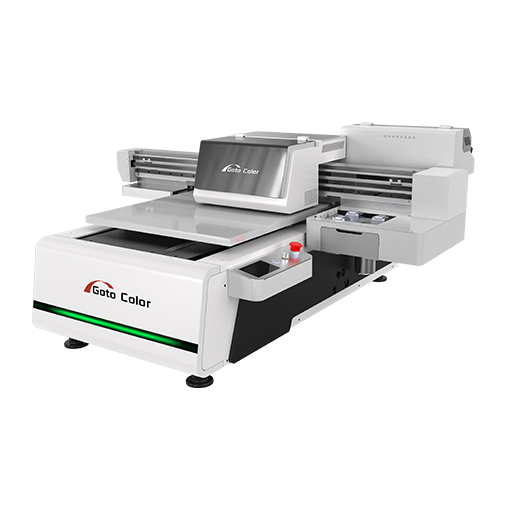
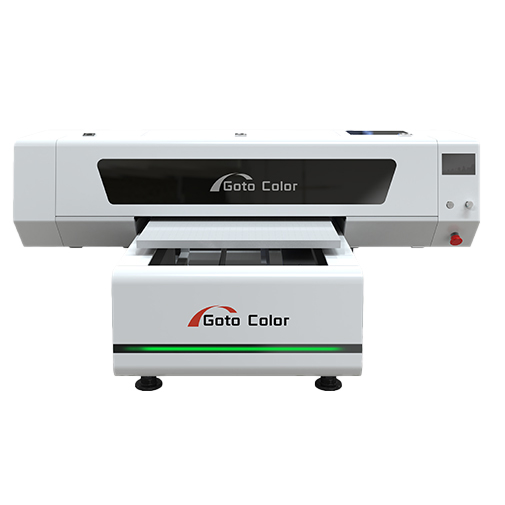
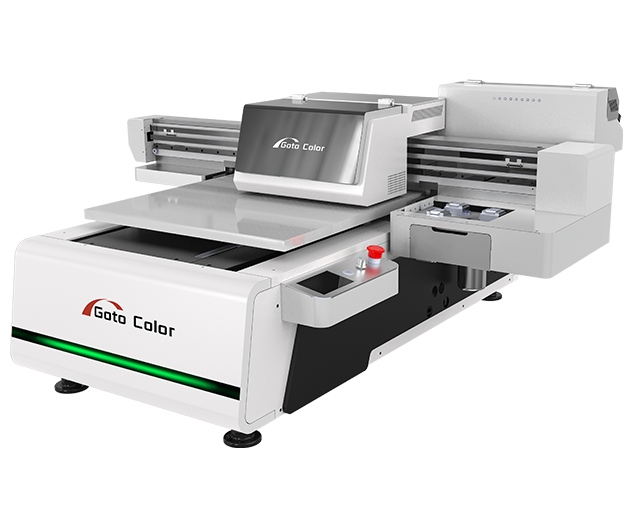
Glass printing has become increasingly popular in industries such as home decoration, advertising, packaging, and personalized product manufacturing. With the development of UV flatbed printing technology, businesses can now print directly on glass surfaces without traditional screen printing processes or transfer methods.

A UV flatbed printer provides high-resolution images, strong adhesion, and fast production speed, making it an effective solution for customized glass products. This article explains the complete process of printing on glass using a UV flatbed printer and the key factors that affect print quality.


Why Use a UV Flatbed Printer for Glass Printing?

Glass is a smooth, non-porous material that is difficult for traditional inks to adhere to. UV printing solves this challenge by using UV-curable inks that are instantly dried and hardened under ultraviolet light.

The main advantages include:

  • Direct printing without plates or films
  • High-resolution image output
  • Fast curing and immediate handling
  • Support for white ink and varnish effects
  • Suitable for customized and small-batch production

A UV flatbed printer allows manufacturers to create decorative glass panels, personalized gifts, and branded glass products efficiently.


Step 1: Prepare the Glass Surface

Surface preparation is one of the most important steps in glass printing. Since glass is smooth and has low ink absorption, proper cleaning is necessary to ensure good adhesion.

Before printing:

  • Remove dust and fingerprints
  • Clean oil or grease from the surface
  • Use alcohol or professional glass cleaner
  • Ensure the glass is completely dry

A clean surface helps UV ink bond more effectively and prevents peeling or uneven printing.


Step 2: Apply Primer When Necessary

Although many UV inks can print directly on glass, using a primer can improve adhesion for applications requiring higher durability.

Primer is especially recommended for:

  • Outdoor glass products
  • Frequently handled items
  • Long-term decorative applications
  • High-wear surfaces

The primer creates a stronger bonding layer between the glass and UV ink, improving print durability.


Step 3: Position the Glass on the UV Flatbed Printer

Accurate positioning ensures that the design is printed correctly.

Important considerations include:

  • Place the glass flat on the vacuum table
  • Ensure there is no movement during printing
  • Adjust print head height according to glass thickness
  • Use positioning tools for repeated production

Many UV flatbed printers support adjustable platforms, allowing users to print on different thicknesses of glass.


Step 4: Create and Adjust the Artwork

Before printing, prepare the design using graphic software and RIP software.

Common settings include:

  • Image resolution
  • Color management
  • White ink layer configuration
  • Varnish effect settings
  • Print pass selection

For transparent glass, white ink is especially important because it creates a background layer that improves color brightness.


Step 5: Configure UV Printer Settings

Different glass types may require different printing parameters.

Recommended adjustments include:

Ink Layer Settings

  • CMYK for standard color printing
  • White ink for enhanced brightness
  • Varnish for glossy or textured effects

Print Resolution

  • Higher resolution for detailed artwork
  • Standard resolution for large graphics

UV Curing Settings

  • Adjust curing intensity according to ink and glass type
  • Avoid excessive curing that may affect surface appearance

Testing a small sample before production is recommended.


Step 6: Start Printing on Glass

Once all settings are confirmed, the UV flatbed printer begins printing directly onto the glass.

During printing, UV LED lamps instantly cure the ink, resulting in:

  • Sharp image details
  • Strong color performance
  • Smooth surface finish
  • Immediate drying after printing

Unlike traditional methods, there is no waiting time for ink drying.


Step 7: Apply Finishing Protection if Needed

For some applications, additional protection may improve durability.

Possible finishing methods include:

  • Applying a protective coating
  • Adding varnish layers during printing
  • Using laminated glass structures

The appropriate finishing method depends on whether the glass product is used indoors or outdoors.


Common Applications of UV Glass Printing

UV flatbed printers are widely used for many glass products, including:

Decorative Glass

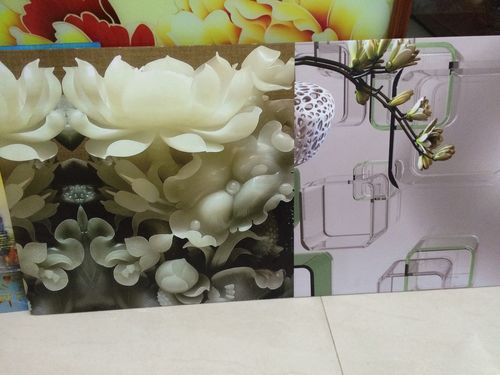
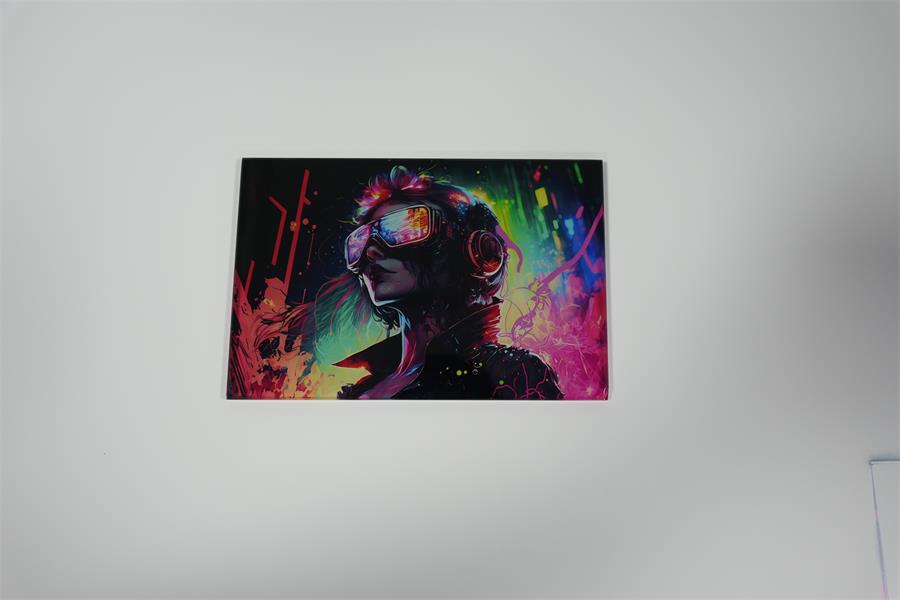
  • Wall art panels
  • Interior decoration glass
  • Kitchen backsplash designs

Advertising Products

  • Glass signs
  • Display panels
  • Store decorations

Personalized Products

  • Photo glass frames
  • Awards
  • Customized gifts

Industrial Applications

  • Control panels
  • Electronic glass components
  • Product labels

Tips for Better Glass Printing Results

To achieve consistent quality:

  • Always clean glass before printing
  • Use suitable UV inks for glass applications
  • Perform adhesion tests before mass production
  • Maintain stable printer calibration
  • Keep print heads clean
  • Control workshop temperature and humidity

Proper preparation and machine maintenance are essential for reliable glass printing.


Conclusion

Printing on glass with a UV flatbed printer is an efficient way to create high-quality customized products. By combining UV-curable ink technology with precise flatbed printing, businesses can achieve vibrant colors, detailed graphics, and durable finishes on glass surfaces.

With correct surface preparation, proper printer settings, and suitable ink selection, a UV flatbed printer provides a flexible and profitable solution for glass decoration, advertising production, and personalized manufacturing.
Share:
SERVICE
Provide Thoughtful Solutions To Your Problems
We have a certain scale capacity to ensure your order delivery cycle.
Before Sale Service
Answering consultation from users, according to user's demands, help user choosesuitable type.
During Sale Service
Transport the equipment to user's site safely and timely.
Our technicians guide the operators and maintenance personnel according to theoperating procedures
After Sale Service
Give a clear answer for user's complaints within 24hours.
Return visit at regular intervals.
Establishing user's record.
Providing latest industrial information.
Request A Quote
Complete control over products allows us to ensure our customersreceive the best quality prices and service.

    Name

    *Email

    *Tel/WhatsApp

    Company

    *Messages


    Send Inquiry & Get Quotation
    We will provide you with quality service and guarantee your buying experience
    X
    Contact Us
    Leave your information and requirements, our sales engineer will keep you the updated solutions at your convenient time.