NEWS

Best Settings for UV Printing on Metal Surfaces

DATE : Jun 30th, 2026

UV printing on metal surfaces requires precise parameter control to ensure strong adhesion, high durability, and sharp image quality. Since metal is a non-porous material, proper settings and surface preparation are critical to achieving stable and long-lasting results.

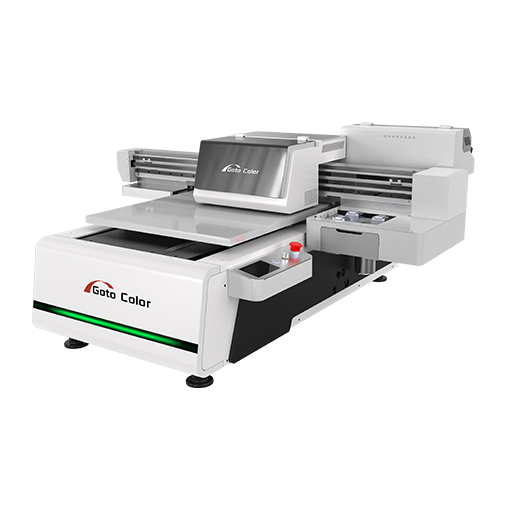
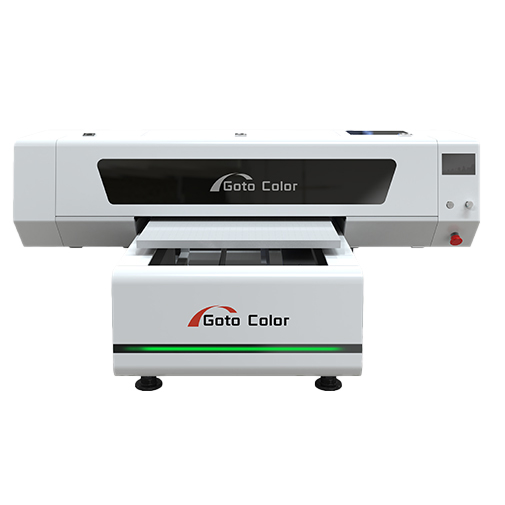
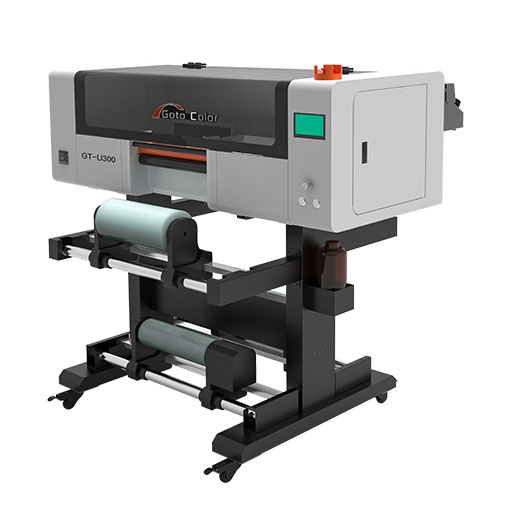
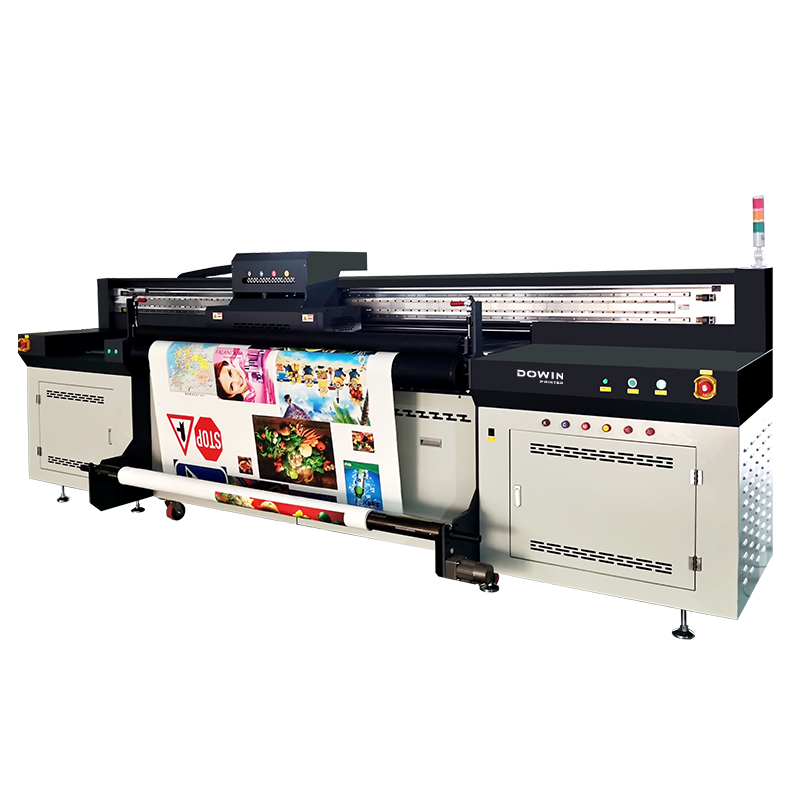
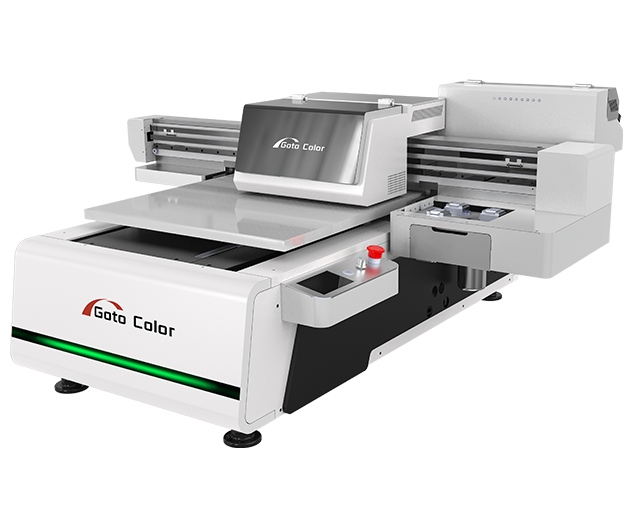
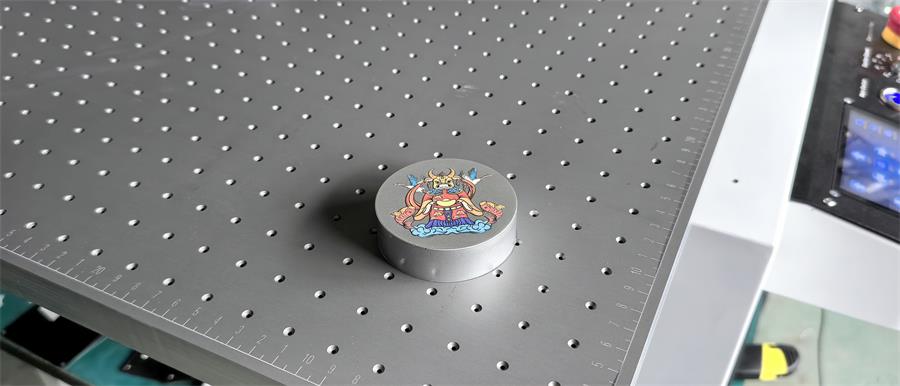
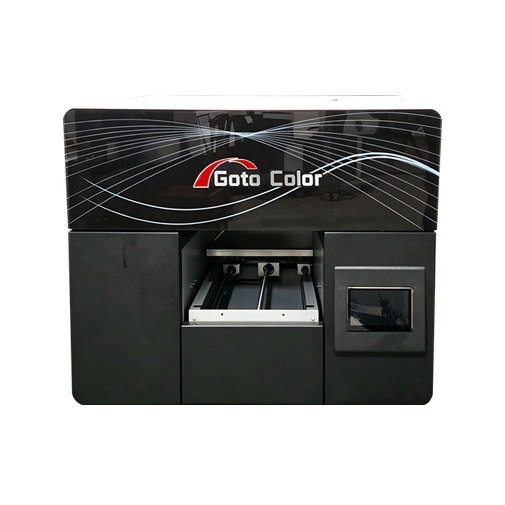
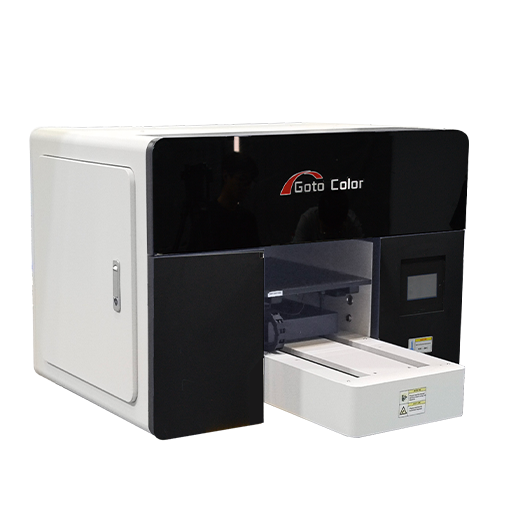
Small-format systems such as a UV Flatbed Printer or compact models like the GT 6090 UV Printer are commonly used for printing on aluminum, stainless steel, and coated metal products.


1. Surface Preparation (Most Important Step)

Before adjusting printer settings, metal surfaces must be properly prepared.

Recommended steps:

  • Clean surface with alcohol or degreaser
  • Remove oil, dust, and oxidation layers
  • Use anti-static treatment if needed
  • Apply primer for uncoated metals

For bare metal, primer significantly improves ink adhesion and scratch resistance.


2. Recommended Printing Resolution

For metal printing, resolution depends on product type:

  • High-detail products (nameplates, logos): 1440 dpi
  • Standard signage: 720–1080 dpi
  • Large decorative panels: 600–720 dpi

Higher resolution improves detail but slightly reduces printing speed.


3. Ink Layer Settings

UV printing on metal usually requires multi-layer printing:

Standard Layer Structure:

  1. White ink base layer (for contrast)
  2. CMYK color layer
  3. Optional varnish or gloss layer

White ink is essential for dark or transparent metal surfaces to ensure color visibility.


4. Ink Curing (UV Lamp Power)

Proper curing ensures durability and scratch resistance.

Recommended settings:

  • Medium UV lamp intensity for coated metals
  • Higher intensity for thick ink layers
  • Lower intensity for heat-sensitive coatings

Over-curing can cause brittleness, while under-curing reduces adhesion.


5. Printing Speed Settings

Speed must balance quality and adhesion:

  • High quality: slow speed (best for fine details)
  • Standard production: medium speed
  • Mass production: faster speed with reduced passes

For best results on metal, 6–12 pass printing is commonly used depending on model capability.


6. Ink Adhesion Improvement Settings

To improve bonding strength:

  • Enable primer or adhesion promoter layer if available
  • Use “double pass white ink” for better base coverage
  • Increase ink density slightly for rough surfaces
  • Allow proper drying time before handling

7. Recommended Material-Specific Settings

Aluminum

  • White base required
  • Medium UV curing
  • High resolution for logos and signage

Stainless Steel

  • Primer strongly recommended
  • Strong white ink layer
  • Moderate curing intensity

Coated Metal

  • No primer needed in many cases
  • Standard UV settings
  • High durability varnish optional

8. Common Problems and Fixes

Poor Adhesion

Cause: insufficient surface cleaning or missing primer
Solution: clean thoroughly and apply adhesion layer

Color Fading

Cause: weak white ink layer or under-curing
Solution: increase white ink density and adjust UV power

Ink Peeling

Cause: improper curing or incompatible coating
Solution: recalibrate UV lamp and verify surface compatibility


9. Best Practice for Stable Production

For consistent results in production environments:

  • Keep temperature and humidity stable
  • Calibrate printer regularly
  • Use high-quality UV inks designed for metal
  • Maintain consistent surface preparation workflow

Machines like a UV Flatbed Printer provide stable control systems that help maintain repeatable output quality.


Conclusion

The best UV printing results on metal surfaces depend on a combination of proper surface preparation, correct white ink usage, controlled UV curing, and optimized resolution settings. Since metal is non-porous, adhesion is the most critical factor in ensuring durability and print quality.

By using a well-configured GT 6090 UV Printer and following correct process settings, businesses can achieve high-quality, scratch-resistant, and visually sharp metal prints suitable for signage, industrial labeling, and custom products.
Share:
SERVICE
Provide Thoughtful Solutions To Your Problems
We have a certain scale capacity to ensure your order delivery cycle.
Before Sale Service
Answering consultation from users, according to user's demands, help user choosesuitable type.
During Sale Service
Transport the equipment to user's site safely and timely.
Our technicians guide the operators and maintenance personnel according to theoperating procedures
After Sale Service
Give a clear answer for user's complaints within 24hours.
Return visit at regular intervals.
Establishing user's record.
Providing latest industrial information.
Request A Quote
Complete control over products allows us to ensure our customersreceive the best quality prices and service.

    Name

    *Email

    *Tel/WhatsApp

    Company

    *Messages


    Send Inquiry & Get Quotation
    We will provide you with quality service and guarantee your buying experience
    X
    Contact Us
    Leave your information and requirements, our sales engineer will keep you the updated solutions at your convenient time.