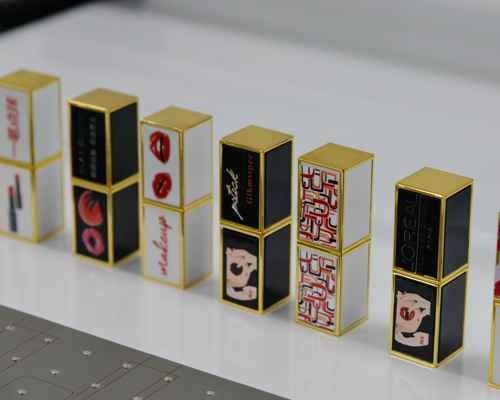
Turning your creative concept into a successful UV-printed product requires more than just a great design — it demands a smart workflow tailored to UV flatbed technology. In this guide, we’ll walk through key considerations and expert tips for designing files that print beautifully and consistently on Gotocolor UV printers.
UV flatbed printers work on a wide range of surfaces, including:
Acrylic
Wood
Metal
Glass
Leather
PVC, ABS, PET, etc.
📌 Design Tip:
Different materials reflect and absorb ink and UV light differently. Do small test prints on new substrates and adjust color saturation or pass counts accordingly.
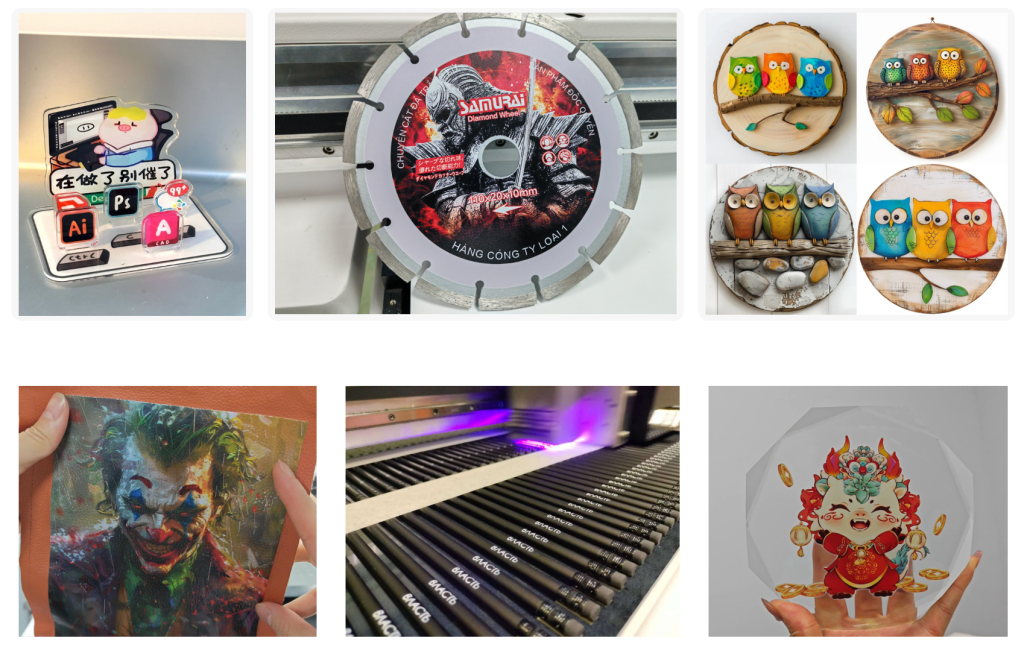
For professional UV print output, start with the right file setup:
Format: Use vector files (AI, PDF) or high-resolution raster (300 dpi PNG, TIFF, PSD)
Color Mode: Always design in CMYK, not RGB
White Layer: Add a separate white channel for opaque base printing
Varnish Layer (if needed): Use spot color layers or grayscale masks for varnish textures
💡 Pro Tip: Label your layers clearly: CMYK / White / Varnish
White ink in UV printing is critical for:
Printing on dark or transparent substrates
Making colors pop
Creating layered effects or underbases
Gotocolor UV printers with white ink circulation help prevent clogging — but your file still needs proper white ink mapping.
📌 Design Tip:
Create a separate white layer using either:
Spot color named “WHITE”
A duplicate grayscale mask layer (used by RIP software)
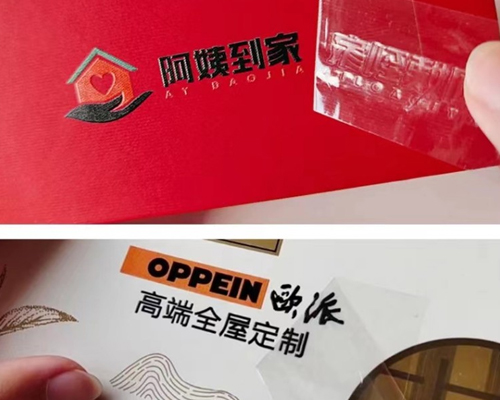
UV varnish can create raised textures, gloss highlights, or braille effects.
Here’s how to use it effectively:
Use varnish for branding (logos, titles) to create a luxury feel
Create contrast with matte vs. gloss areas
Simulate embossing on flat surfaces
📌 Design Tip:
Keep varnish layers subtle and intentional — avoid flooding the surface unless it’s part of the design aesthetic.
Every surface prints differently. Before committing to bulk production:
Run small-scale proofs
Check for color shift, texture clarity, and ink adhesion
Adjust your primer, lamp power, and pass settings if needed
📌 Pro Tip: Use Gotocolor’s built-in test patterns and RIP software features to preview white/varnish layers before printing.
If your products need to resist scratching, moisture, or outdoor wear:
Use primers on metals and plastics
Apply finishing coats or laminates if needed
Use bold, readable fonts for small-scale items like pens or USB cases
Great UV print results begin with thoughtful design. By preparing your files correctly and understanding how color, white ink, and varnish interact with different surfaces, you’ll unlock the full potential of your Gotocolor UV flatbed printer.
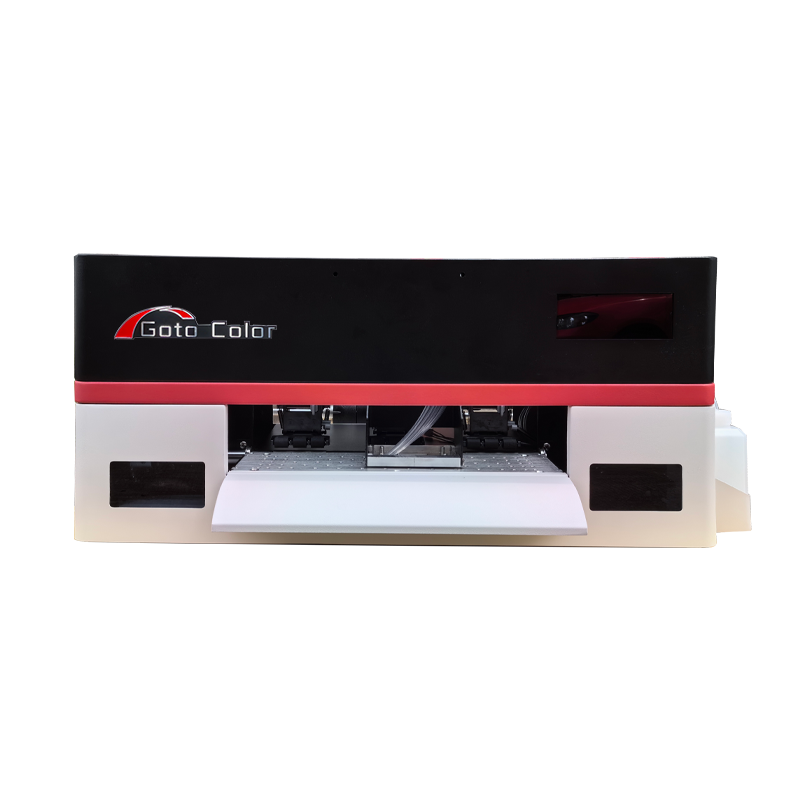
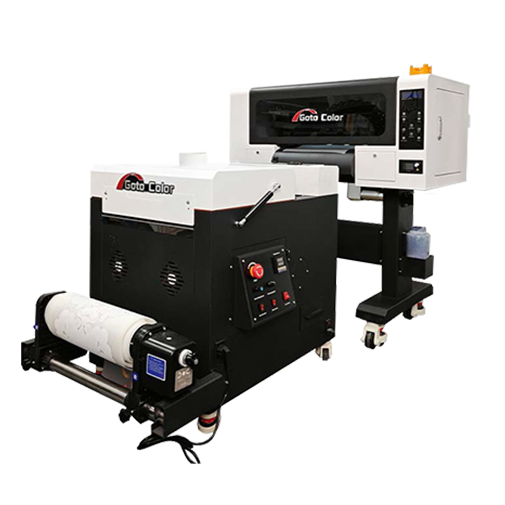
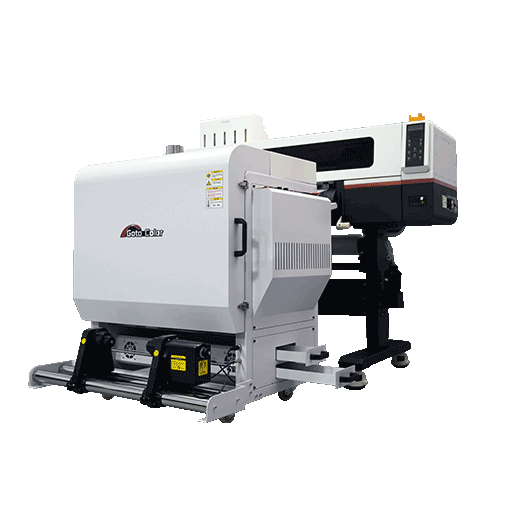
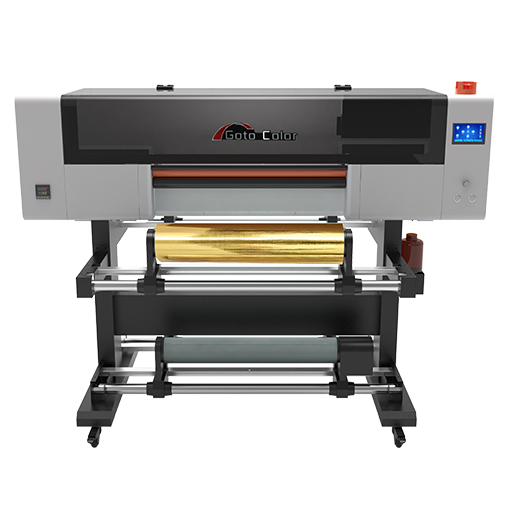
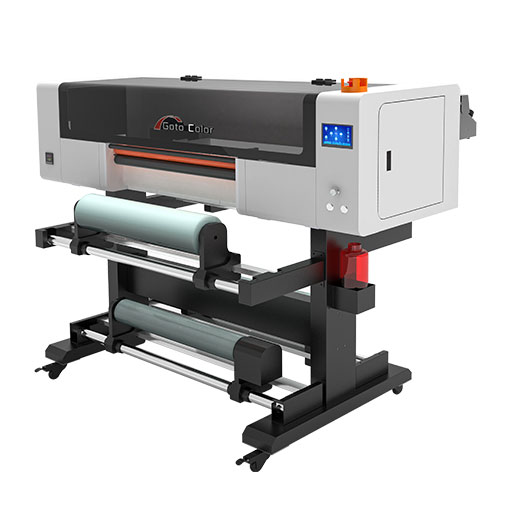
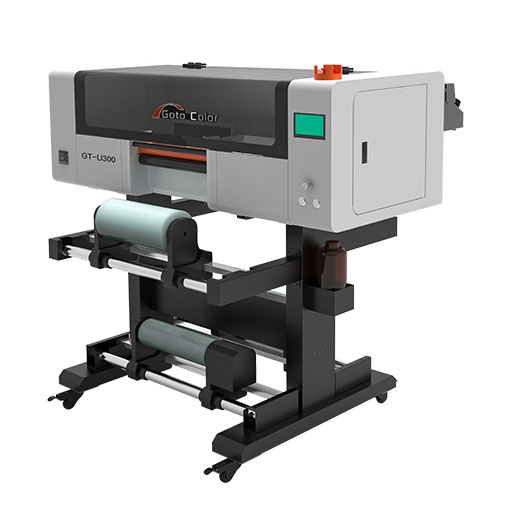
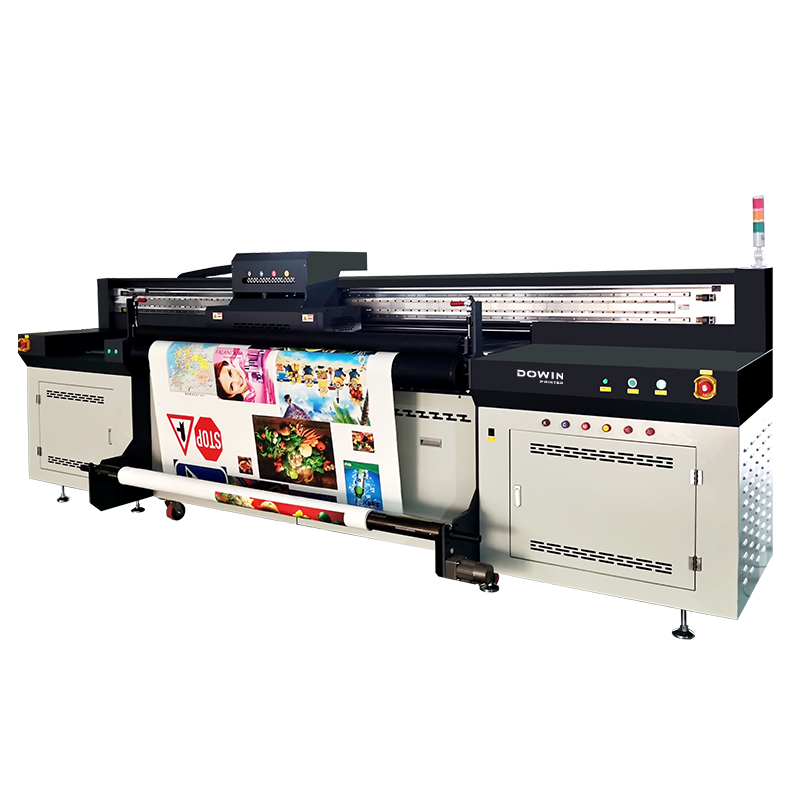
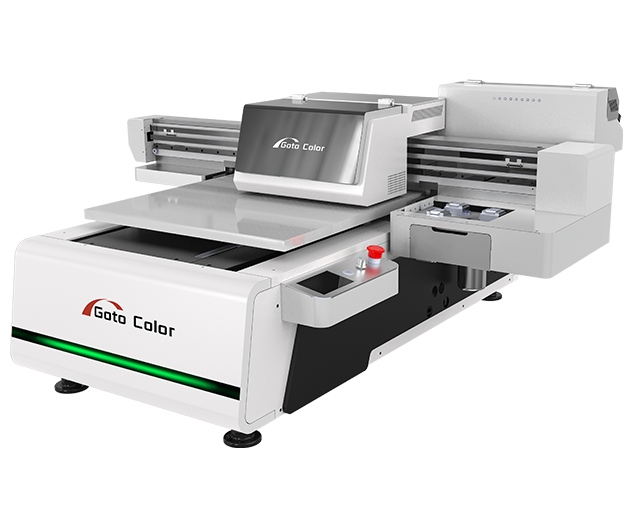
Explore Gotocolor’s UV printer models for small businesses and industrial setups — with support for CMYK+W+V printing, texture effects, and high-speed production.