Common Causes and Proven Fixes for Perfect DTF Transfers
DTF (Direct-to-Film) printing is known for its versatility and strong adhesion on cotton, polyester, and blends — but sometimes, you’ll press a transfer and it just doesn’t stick. The print peels up, cracks, or feels patchy.
If that sounds familiar, don’t worry — the issue usually comes down to a few key variables in your materials or process.
Let’s break down why DTF transfers fail to stick and how to fix each problem step-by-step.
Heat, time, and pressure are the foundation of every good DTF transfer.
Even small deviations can ruin adhesion.
| Setting | Typical Range | Common Problem When Wrong |
|---|---|---|
| Temperature | 150–165 °C (300–330 °F) | Too low = weak bonding; too high = ink cracking |
| Time | 10–20 seconds | Too short = incomplete melt; too long = scorching film |
| Pressure | Medium to high | Too light = poor contact; too strong = texture distortion |
✅ Fix: Re-calibrate your press using a thermometer and pressure gauge. Always test with a scrap shirt before full production.
Moisture trapped in the garment prevents the hot-melt adhesive from fully bonding.
✅ Fix:
Pre-press garments for 5 seconds at 150 °C before transfer. This removes humidity and smooths the fabric surface.
The DTF adhesive powder must be melted evenly before pressing.
If under-cured, it won’t stick; if over-cured, it becomes brittle.
✅ Fix:
Cure powder at 100–120 °C for 2–3 minutes in an oven or under a heat press (no contact).
The powder should appear glossy and transparent, not powdery or yellow.
Not all PET films and adhesives are equal.
Cheap or mismatched consumables can cause uneven melting, poor ink release, or weak adhesion.
✅ Fix:
Use matched DTF consumables (film, ink, and powder from the same brand if possible).
For example:
Hot Peel Film – releases at 120–130 °C after 5–10 seconds.
Cold Peel Film – must cool completely before peeling.
Mixing types leads to confusion in press temperature and timing.
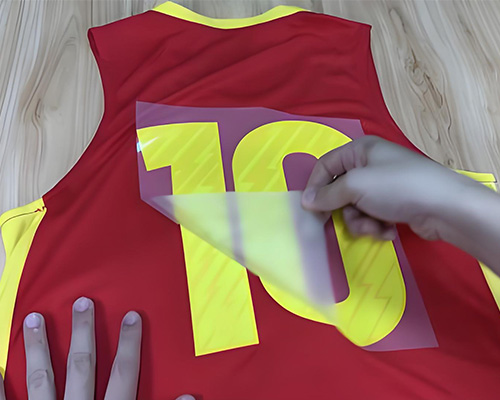
Peeling too early (or too late) is one of the most common mistakes.
✅ Fix:
Hot peel film: Peel immediately after pressing while still warm.
Cold peel film: Wait until the transfer is fully cooled to room temperature before peeling.
If you’re unsure which type your film is — test one corner first!
Even tiny contaminants like lint, body oil, or pre-treatment residue can prevent adhesion.
✅ Fix:
Wipe the press area and fabric surface before printing. For pre-treated fabrics, make sure the pre-treatment is completely dry before applying the transfer.
Highly textured or elastic fabrics make it harder for the adhesive layer to grip.
✅ Fix:
For ribbed or spandex fabrics, apply slightly higher pressure.
For thick textures (like canvas or hoodies), use a heat-resistant foam pad to even out pressure.
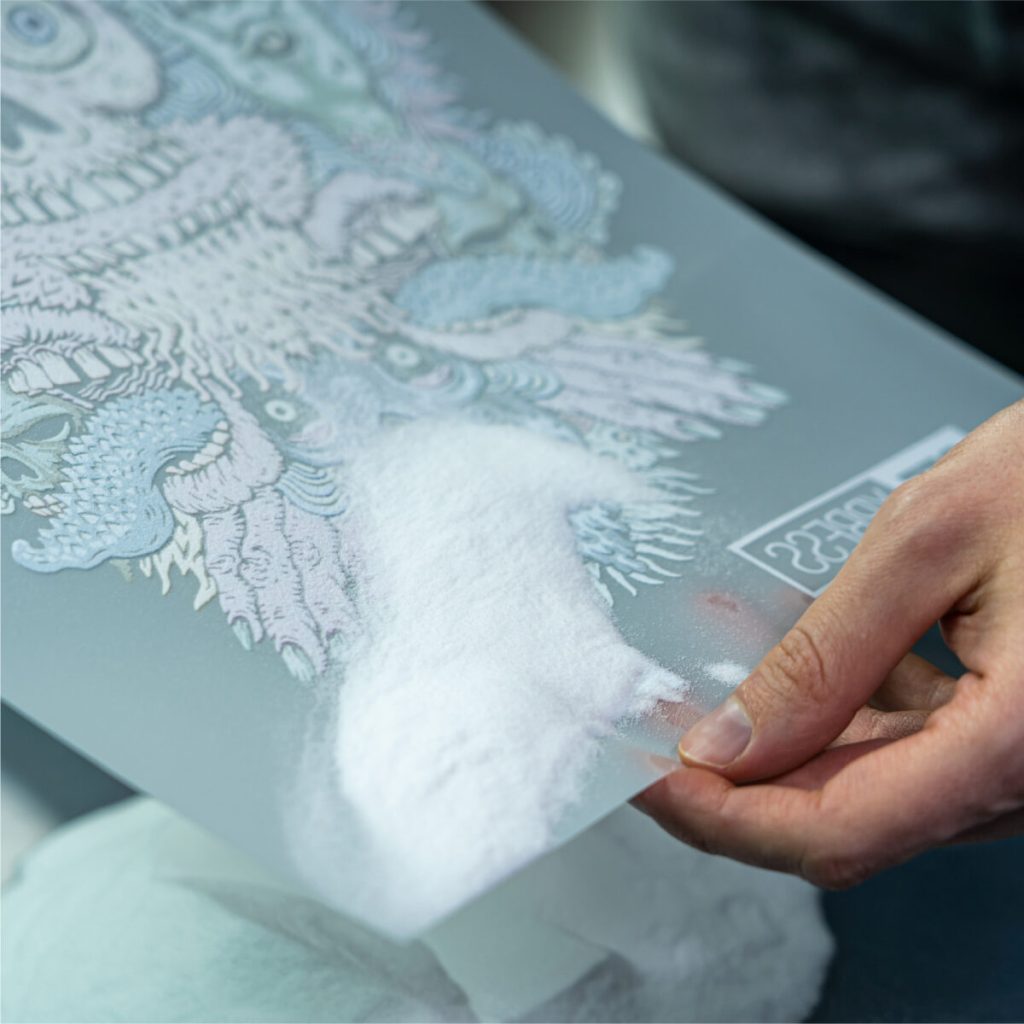
Too much or too little adhesive powder affects bonding.
✅ Fix:
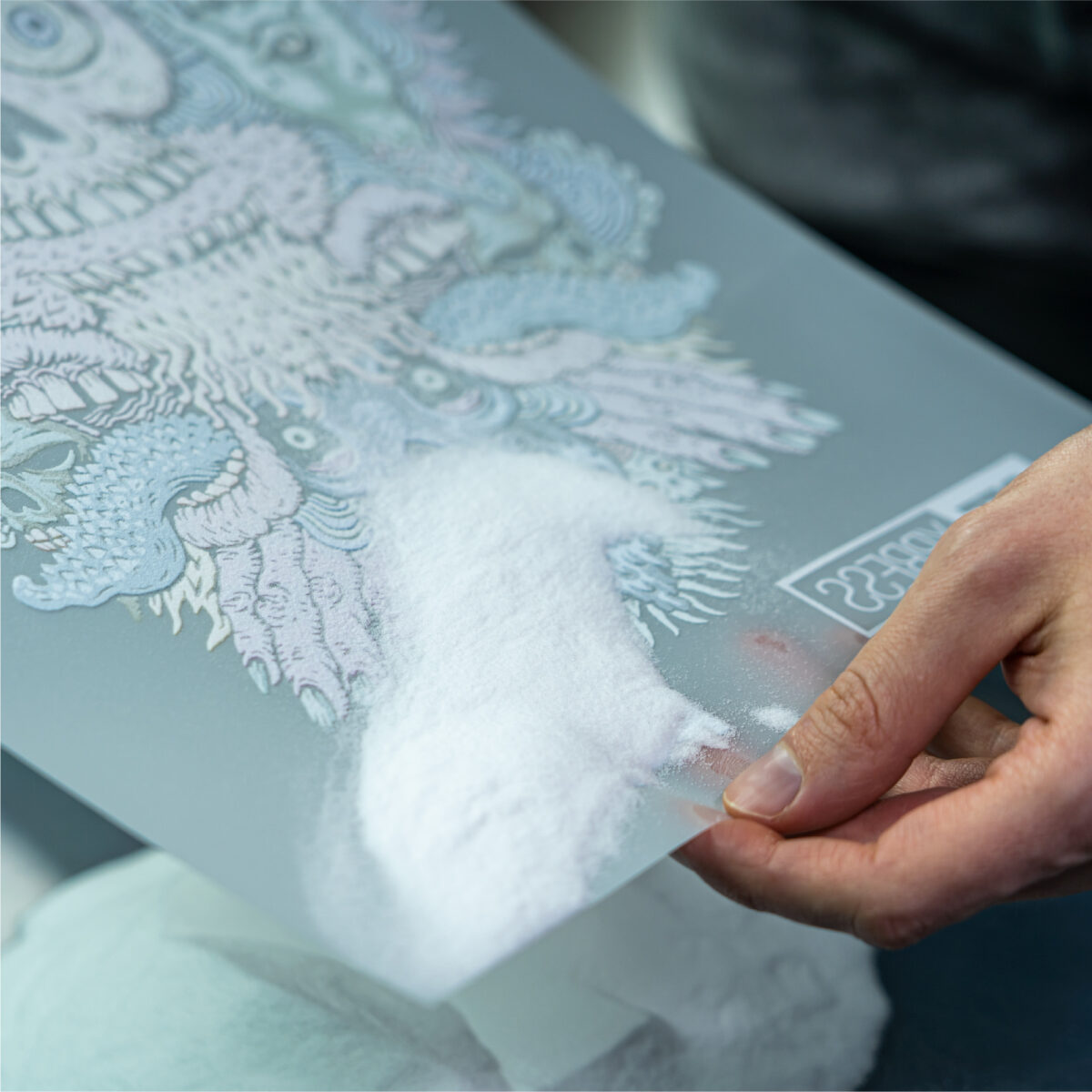
After printing, gently shake off excess powder — the layer should be thin and even.
If powder clumps or sticks unevenly, check humidity and film cleanliness.
Uneven pressure distribution leads to partial adhesion.
✅ Fix:
Check for warped platen or worn pads. Use a pressure test strip to ensure even contact across the full press area.
Sometimes adhesion issues show after peeling. You can still fix them.
✅ Fix:
Place parchment paper or a Teflon sheet over the transfer and re-press for 5 seconds. This “re-melts” the adhesive layer and improves wash resistance.
Both DTF ink and adhesive powder are sensitive to moisture.
Maintain room humidity between 45–60% for consistent transfer quality.
| Issue | Likely Cause | Solution |
|---|---|---|
| Transfer not sticking | Low heat or pressure | Re-set press temperature and pressure |
| Edges lifting | Under-cured powder or uneven press | Check curing and platen alignment |
| Peeling ink | Wrong film type or peeling timing | Confirm hot/cold peel instructions |
| Patchy adhesion | Moisture in fabric | Pre-press to remove moisture |
| Wash-off after cleaning | Over-curing or bad adhesive | Adjust curing time and powder quality |
A DTF transfer not sticking is frustrating—but almost always fixable.
Once you dial in temperature, pressure, curing, and film compatibility, your transfers will bond firmly and stay vibrant wash after wash.
👉 Need reliable DTF materials? Explore premium DTF inks, hot-melt powders, and PET films designed for stable adhesion and vivid colors — because great prints start with the right supplies.